












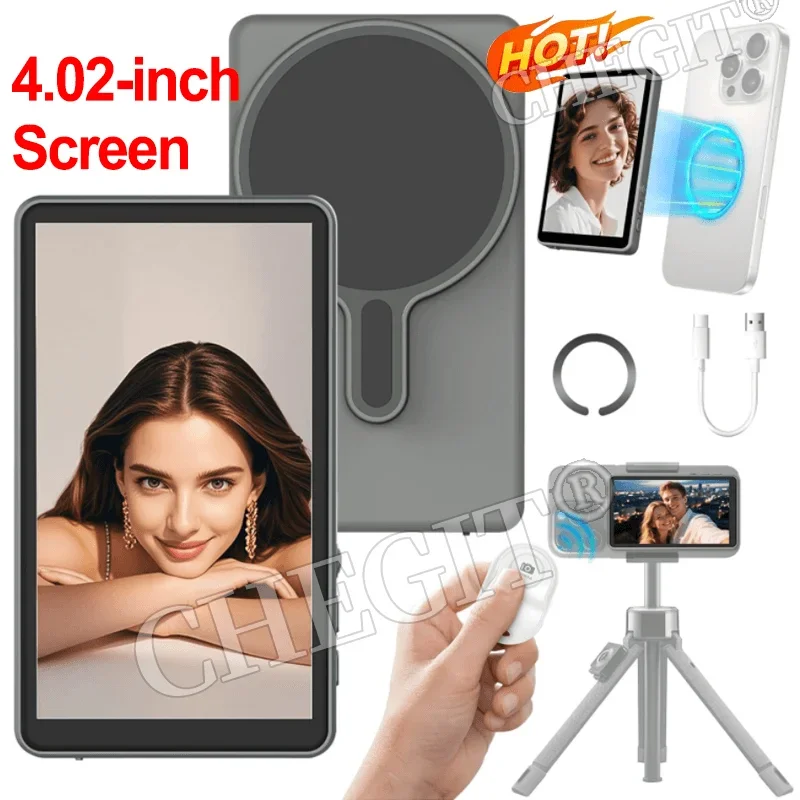
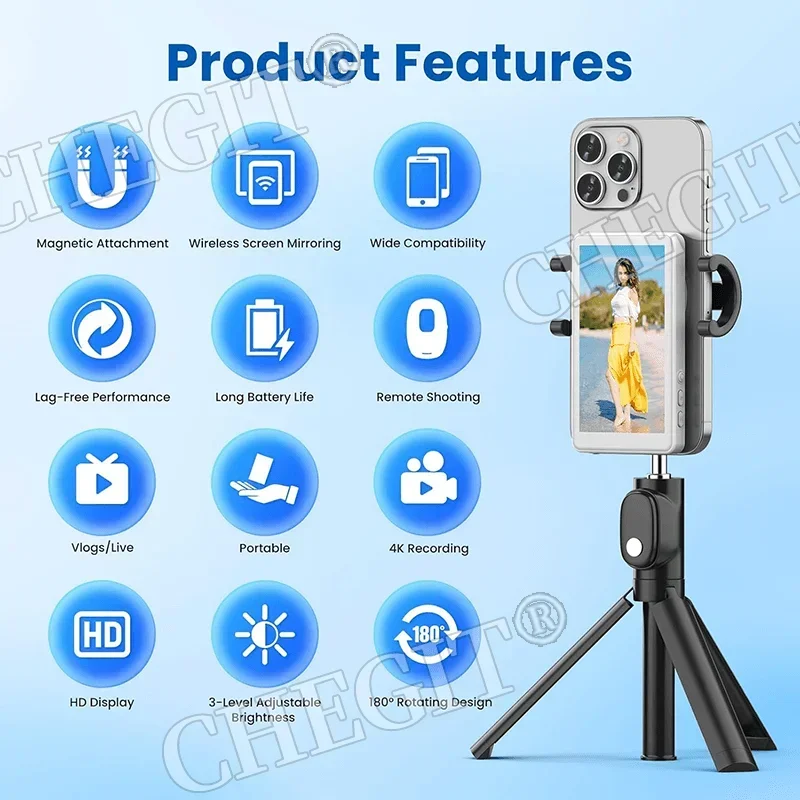

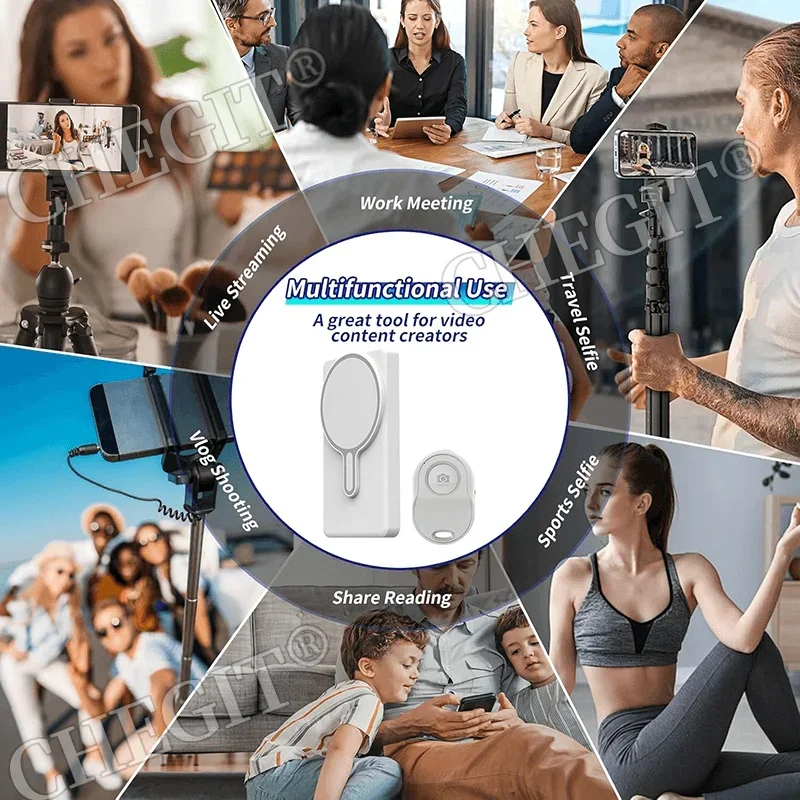

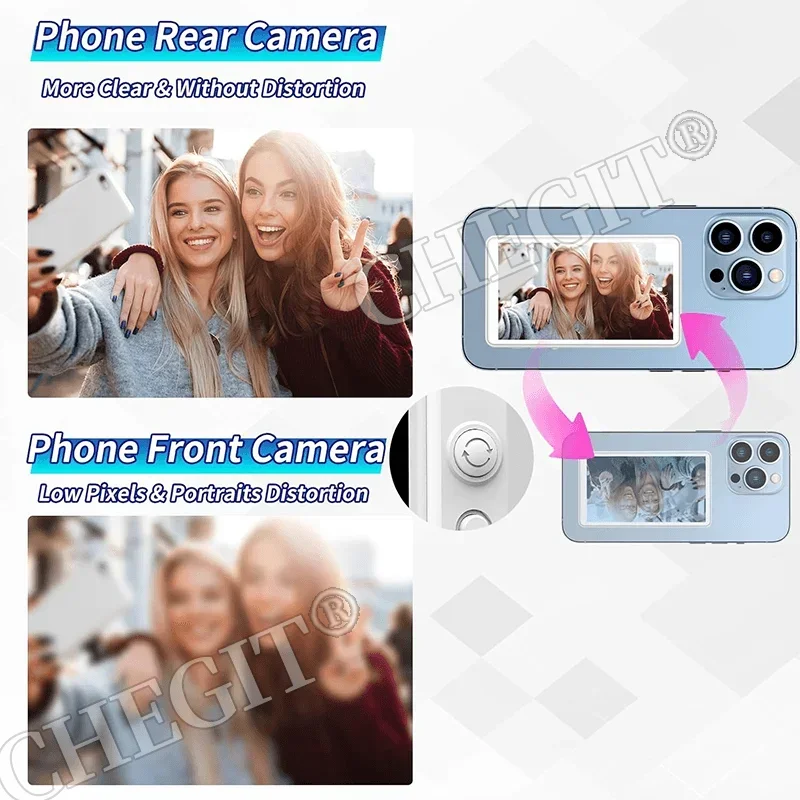
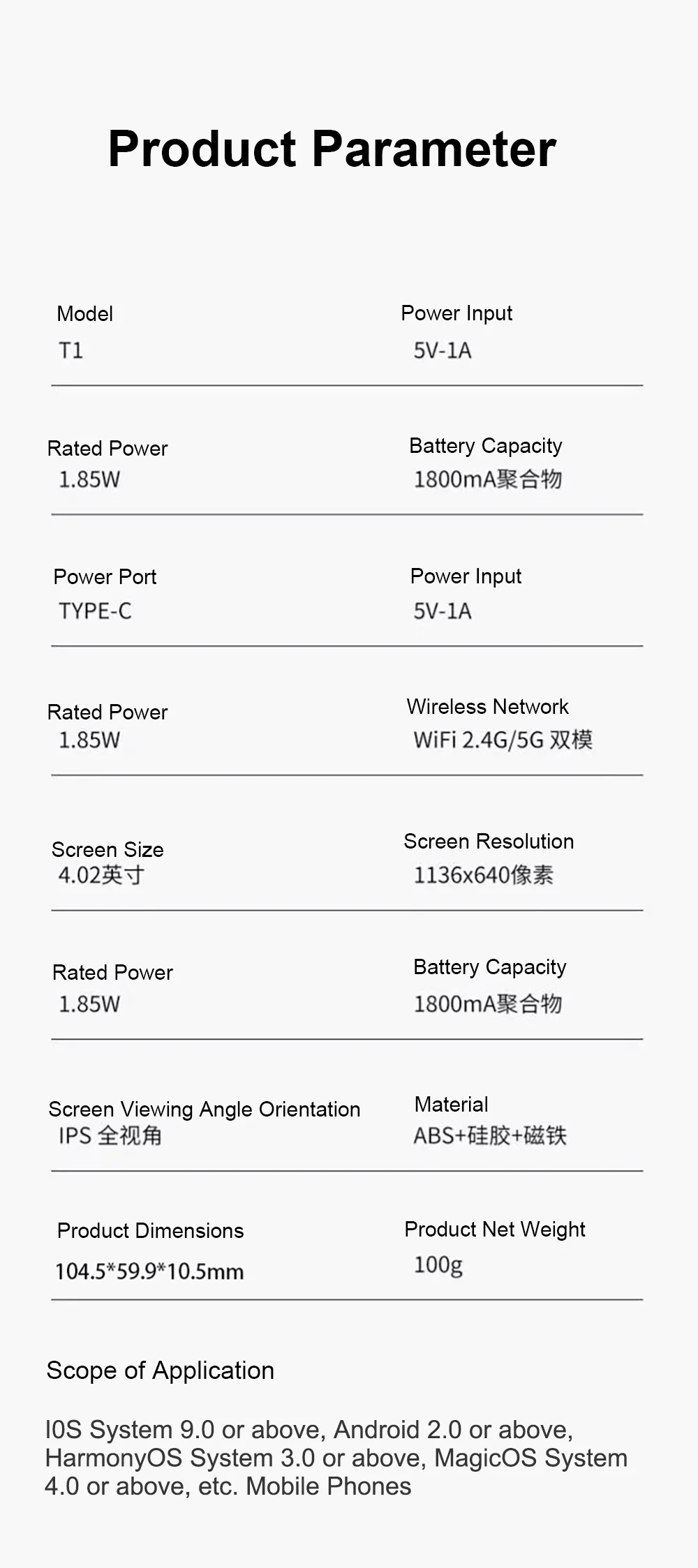
Wireless Monitor Rear Camera Screen Smartphone Selfie Magnetic Screen For Vlog Live Stream Video Recording Outdoor Selfie tool
4 in stock
₦50,304 ₦50,408Price range: ₦50,304 through ₦50,408
- High-concerned chemical: None
- Electric: Yes
- Photography Accessories Type: Phone Selfie Screen Mirroring
- Package: Yes
- Brand Name: JJRC
- Origin: Mainland China
Note:If unable to connect to the screen, please change the channel.Long press the bottom right button for 3 seconds to automatically switch to 44/149/6(In Korea, please switch to channel "44")
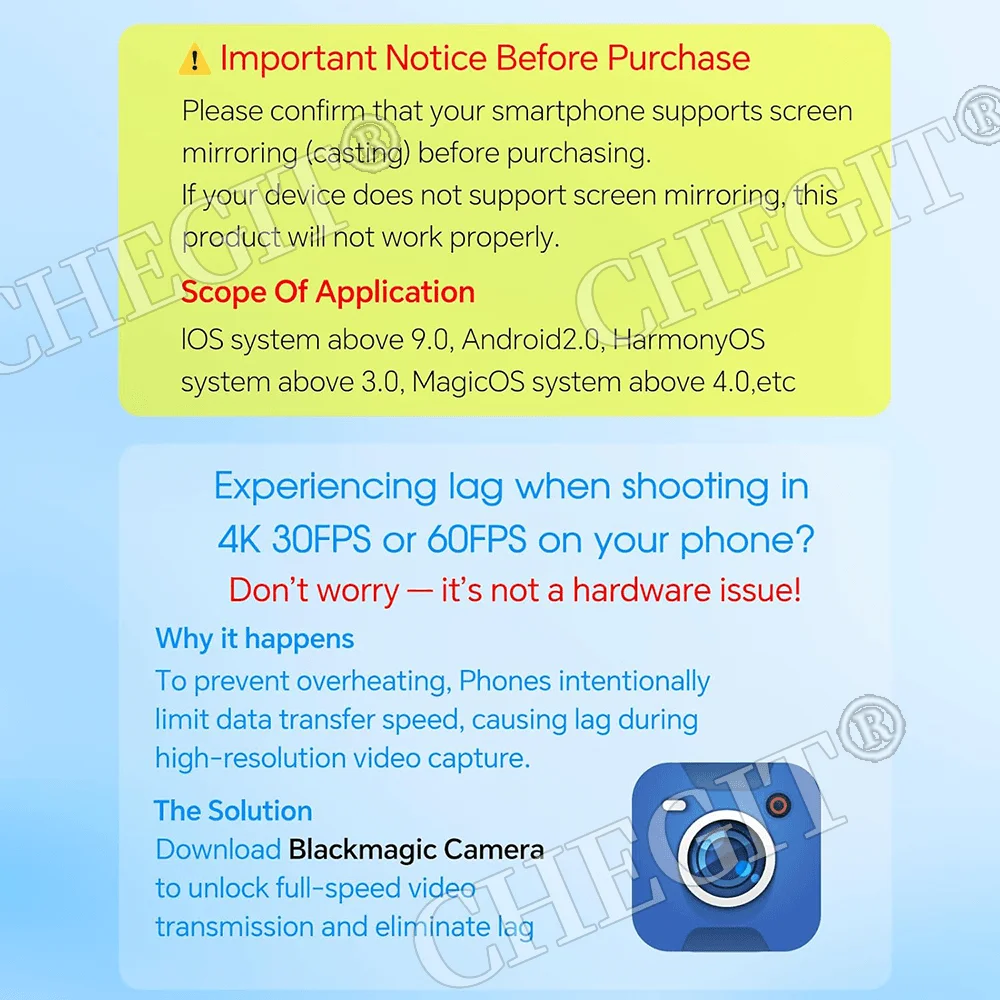
Apple phone recording 4K30FPS and 4K60FPS stuttering problem explanation:
Dear customer,
hello! Thank you for your support of our product! Here are some additional explanations for iPhone users:
Based on our multiple tests, we have found that iPhone may experience lag when recording 4K videos, while recording 1080P videos is completely smooth (this is due to hardware limitations of Apple phones, unrelated to product performance, as Apple phones have poor heat dissipation. When recording at 4K30FPS and 4K60FPS, Apple phones will cast screens and limit current to ensure the normal temperature of the device itself). We have found a solution for you: simply download the Blackmagic Camera professional camera app from the App Store to smoothly record 4K30FPS and 4K60fps videos.
Note: This situation only applies to iPhone devices, Samsung and other Android phones can perfectly support 4K video recording.





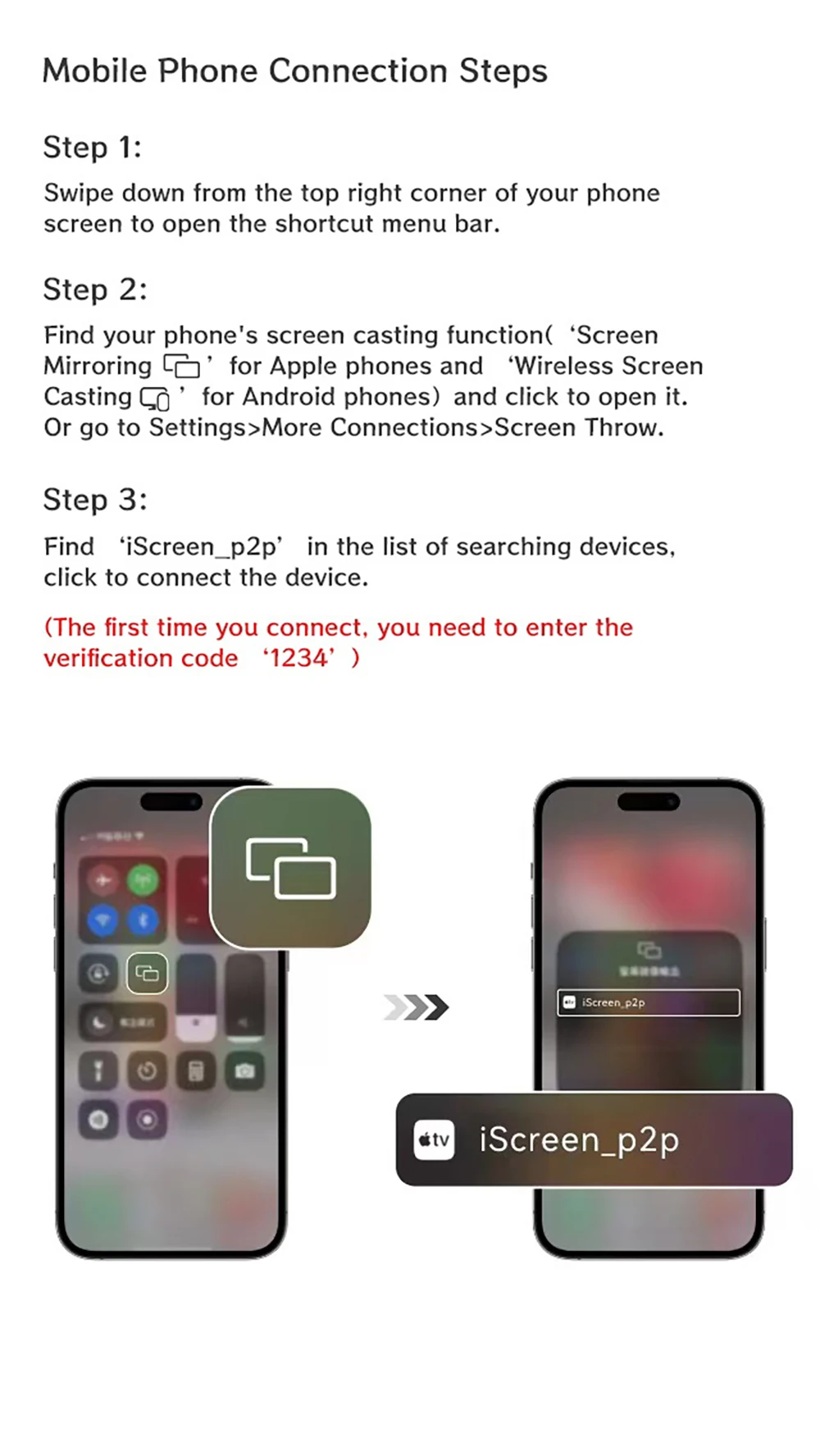
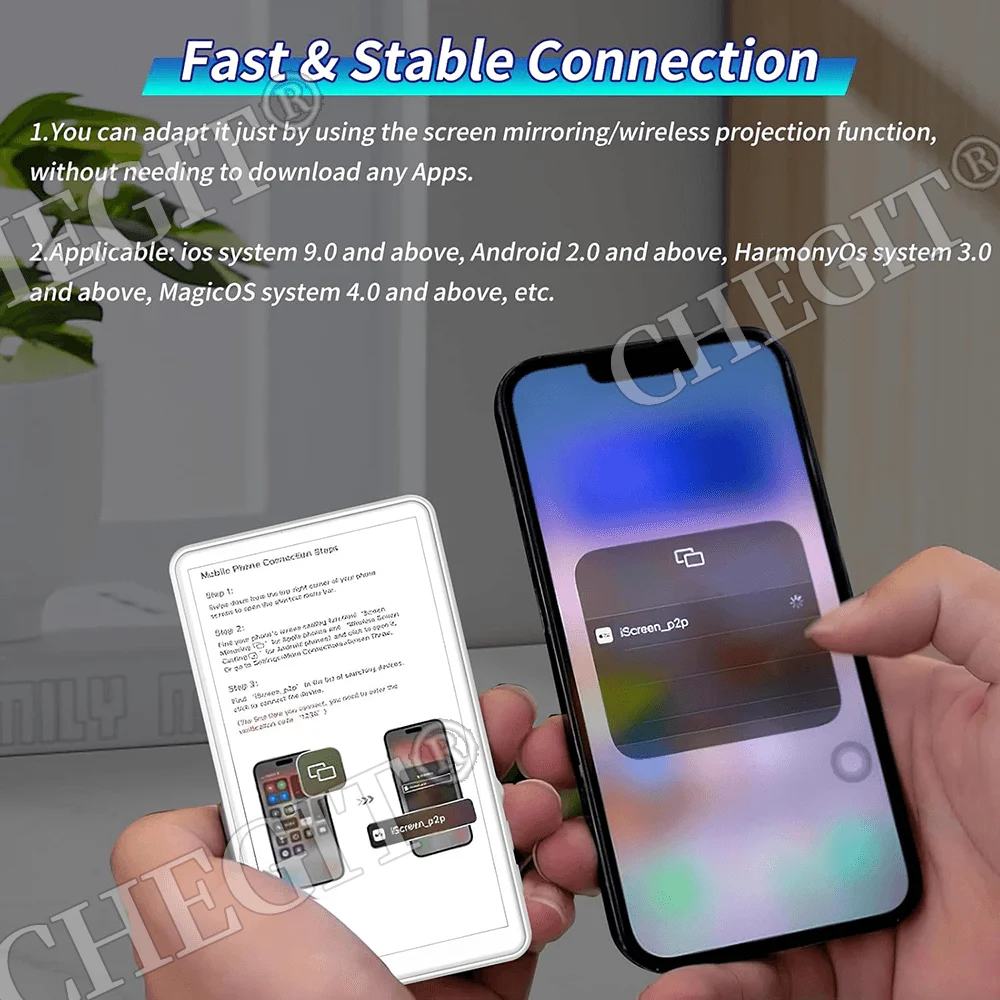
Mobile Phone Connection Steps
Step 1:
Swipe down from the top right corner of your phone screen to open the shortcut menu bar.
Step 2:
Find your phone's screen casting function( 'Screen Mirroring Ã’ for Apple phones and 'Wireless Screen Casting CÃ’ for Android phones) and click to open it. Or go to Settings>More Connections>Screen Throw.
Step 3:
Find 'i Screen _p2p’ in the list of searching devices.
click to connect the device.
(The first time you connect, you need to enter theverification code '1234’)

























There are no reviews yet.